Running events with Seaty
Email built into your ticketing
Track which mailshots actually sell tickets

Send emails from your Seaty dashboard without extra tools. Your audience builds automatically from real ticket buyers, every booking is linked back to the mailshot that drove it, and beautiful event emails are built in. Not a generic email tool connected to ticketing, but one system.
Tickets sold per campaign
Revenue, opens, clicks, and order-level attribution for every mailshot
Audience already built
Past buyers and members opt in at checkout, no CSVs, no list-building
Beautiful event emails
Image galleries with Grid, Stacked or Hero layouts and focal-point cropping
AI writing help
Ask Seaty AI for context-aware drafts based on your event
GDPR by design
Three independent consent categories, audited unsubscribes, auto-blocked bounces
Know which marketing actually sells tickets
Trackable links and QR codes per promotion

Most organisers guess which posters, posts, and banners drive ticket sales. Seaty takes the guesswork out of it. Generate a trackable URL and QR code for every promotion and see attribution per campaign in a built-in dashboard.
Trackable links per promotion
Create named campaigns like "Main Gate Banner" or "Town Square Poster", each with its own URL
Downloadable QR codes
Every campaign gets a matching QR code as a PNG, ready for printed material
Automatic sales attribution
Visits and purchases through your tracked link or QR are linked to the campaign automatically
Facebook Pixel built in
Add your Pixel ID to fire Purchase events back to Meta, no code or script tags needed
Connect your own Google Analytics
Paste your GA4 measurement ID into your organisation and Seaty sends standard ecommerce events to your stream, then build your own dashboards
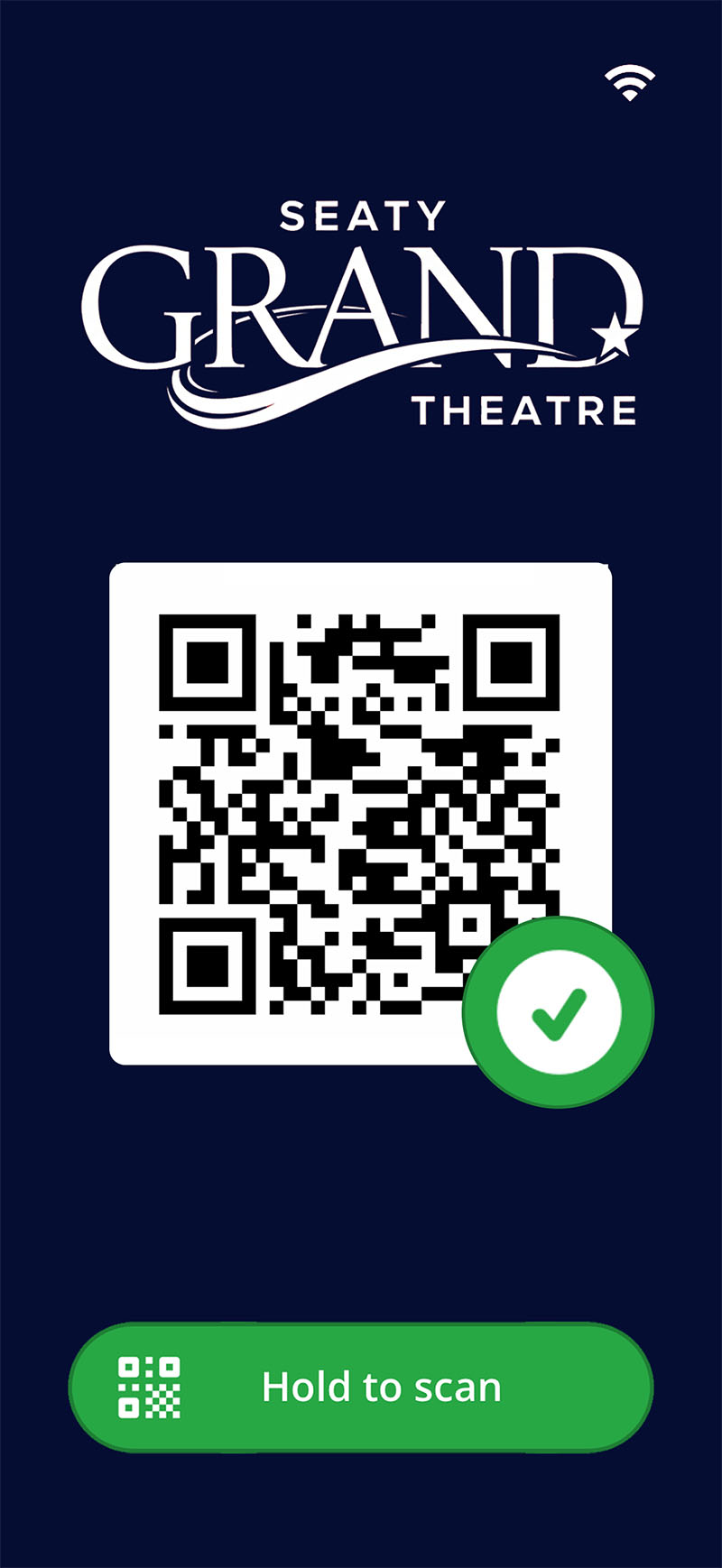
Ticket scanning that works offline
Use any smartphone to scan tickets. Works online or offline with automatic sync when connection returns. Download event data beforehand for entry management without internet.
- Offline scanning with automatic sync
- Fast QR recognition
- Detects duplicates and cancelled tickets
- Manual check-in/check-out for multiple entry points
- Flag tickets with customisable priorities
Seaty in your pocket
Manage and attend events on the go
Use the Seaty app to scan tickets at the door, view your e-tickets, or check event sales. Everything stays in sync with the web dashboard.
- View e-tickets without printing
- See seat numbers and notes for each ticket
- Approve or deny ticket requests
- Check event sales breakdown
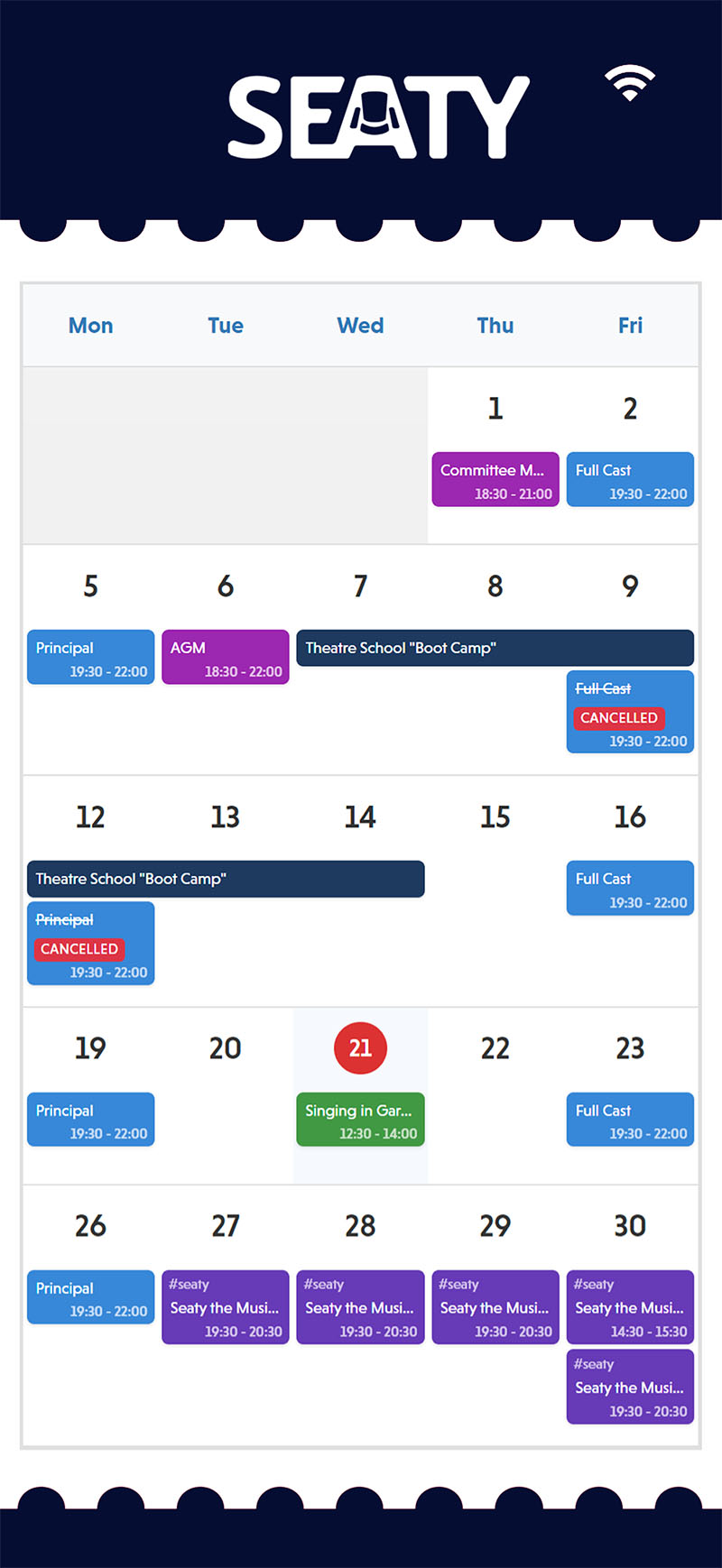
Schedule & attendance tracking
Organise rehearsals, meetings, and activities whilst tracking who shows up. View everything in a calendar, create recurring items, and let members check themselves in with QR codes.
- Calendar with Event, Year, Month, Week, and Day views
- Recurring schedule items
- QR code check-in for members
- Guest attendance tracking
- Attendance history and reporting
File management with media playback
Share files from Dropbox with built-in media playback

Link your Dropbox to share scripts, programmes, and rehearsal recordings with your team. Seaty makes them available to members with built-in viewing and playback. Organisers control what gets shared and who can access it.
Dropbox integration
Admins share files from Dropbox that Seaty makes available to event or organisation members
Music notation viewer
Members view sheet music in the app - helpful for orchestras, choirs, and musical theatre
Video player
Members watch videos with full-screen support for choreography and recordings
Access control
Admins choose whether files are available to specific events or the whole organisation
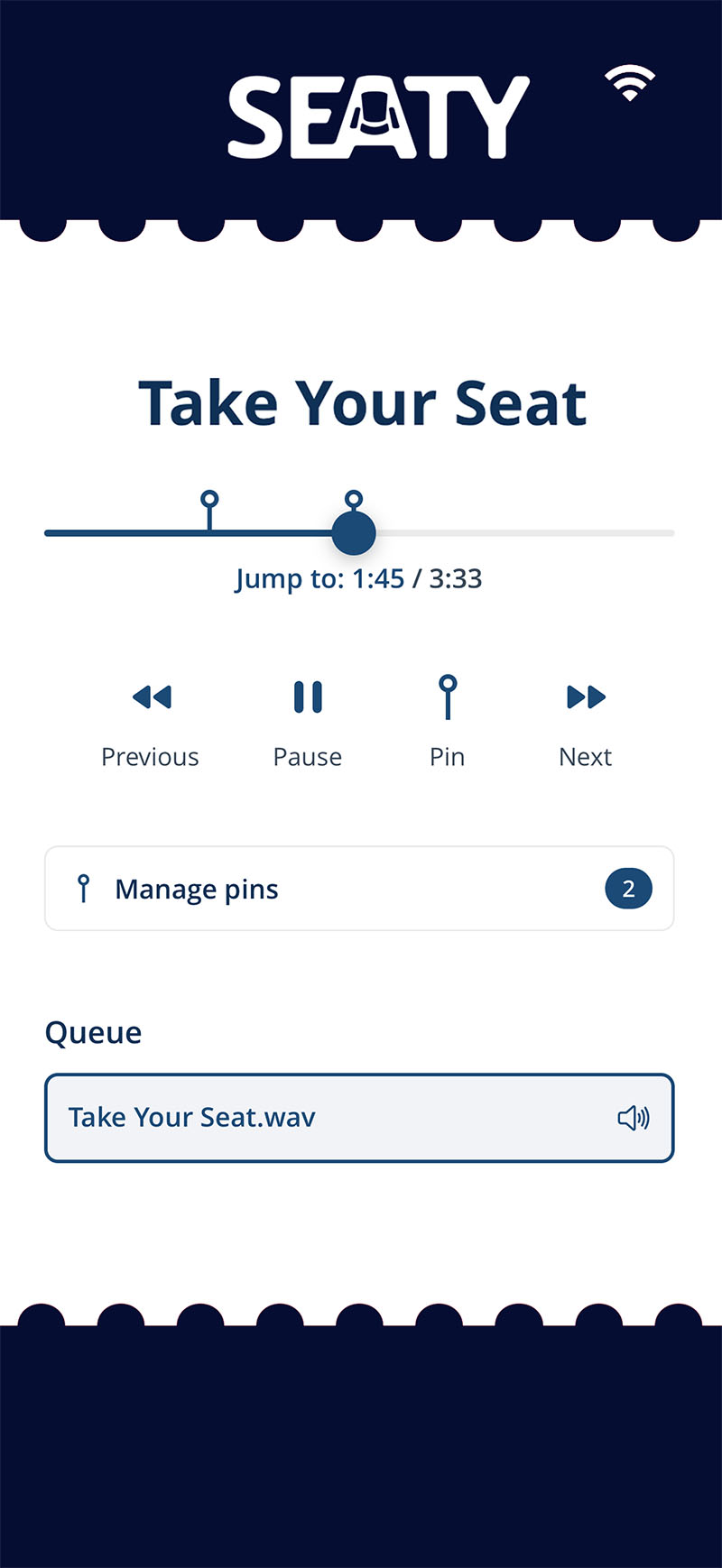
Audio playback for rehearsals
Admins share rehearsal recordings via Dropbox that members can listen to with playback controls designed for rehearsing. Pin specific moments to jump back to tricky sections.
- Pin moments to bookmark specific positions and replay precise sections instantly
- Controls to drag to any position in the track
- Background playback continues when you switch apps or lock your phone
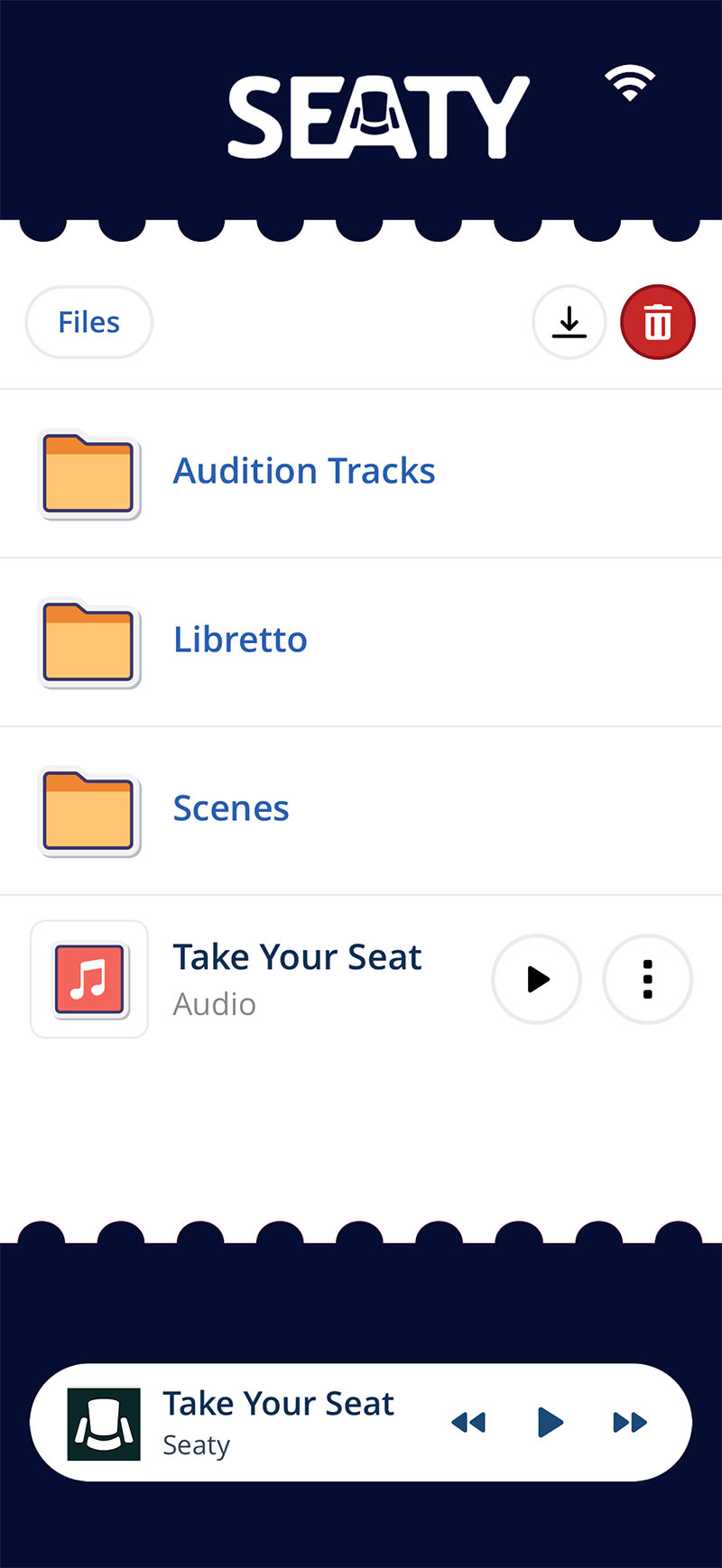
Offline file access
Download files shared by admins to your phone for offline access during events. Scripts, sheet music, and rehearsal recordings stay available even without internet connection.
- Download shared files for offline viewing when internet is unavailable
- Background audio playback for rehearsal recordings whilst using other apps
- View scripts and sheet music without connection
- Files sync automatically when you reconnect