Ticketing software for school productions, concerts, and PTA fundraisers.
Seaty was built around what schools actually do. The school office runs everything from one dashboard, parents check out without an account, the PTA layers programmes and refreshments on top of ticket sales, and the whole thing is free if you take payment yourselves. Year groups, comps, and door scanning without wifi are first-class features, not workarounds.
Free school ticketing software when the office handles payments.
If you want to offer card payments online so parents can buy in advance from a phone, there is a simple per-transaction fee. The school chooses whether to absorb it or pass it on at checkout. See our pricing for the exact numbers, and our guide on how UK ticketing fees actually work for context on what other platforms charge.
Parents booking school play tickets in 30 seconds, on a phone, on the school run.
That matters most on a Friday afternoon. The school office is closed by 4pm. The nativity is on Tuesday. Parents are buying tickets at 7pm on a phone while making tea, between bath time and the bin lorry. The booking has to work without anyone in the office picking up the phone, and it does. The same flow runs the same way at a dance school recital the following Saturday.
Open ticket sales before half term and stop fielding office calls about it.
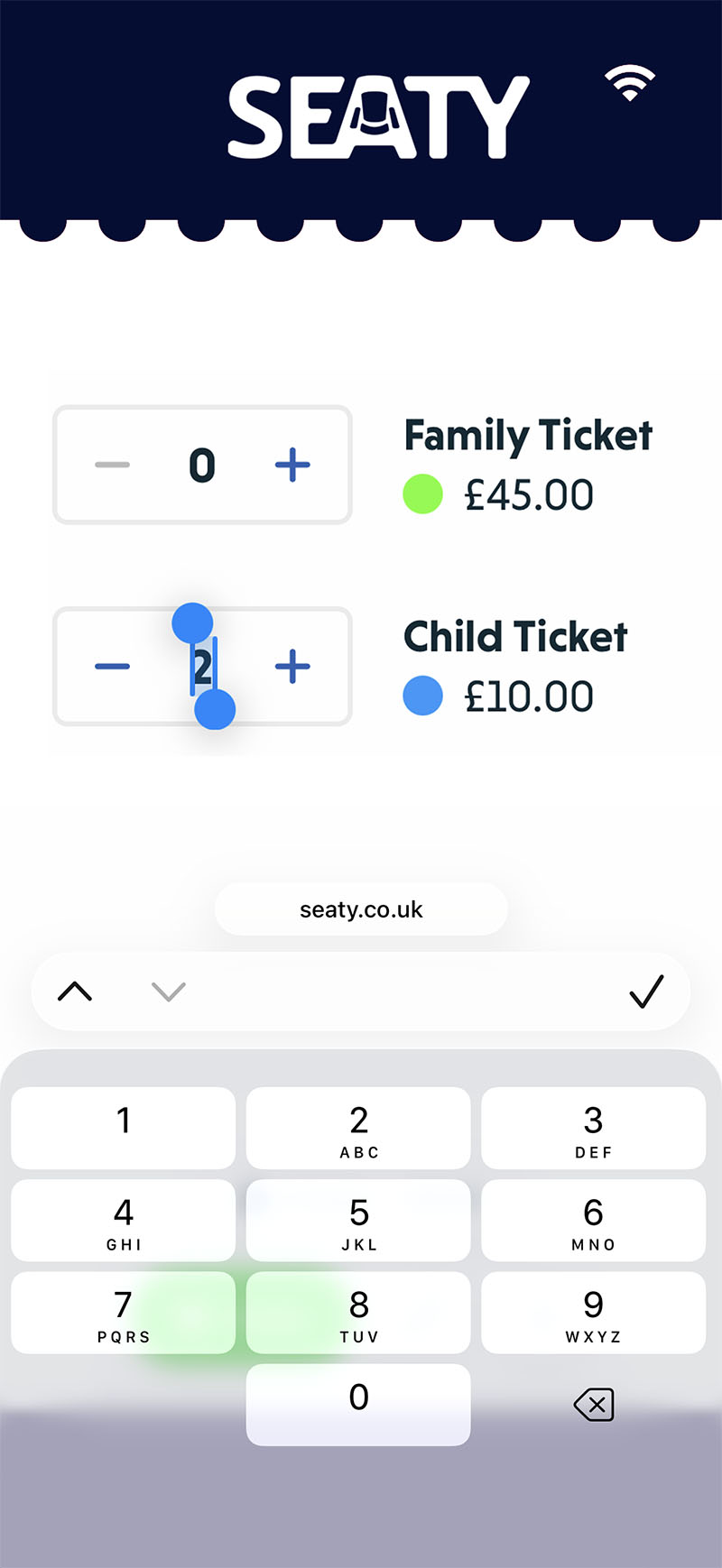
School play ticket sales for general admission halls.
School halls almost always use general admission seating with rows of plastic chairs rather than fixed numbered seats. Set up adult, child, concession, and family ticket categories with their own prices, on-sale dates, and per-order limits. If your school has a proper theatre with a raked balcony or an amphitheatre layout, the same setup supports a full visual seating plan. See our guide on setting up a seating plan for school theatres.
- Adult, child, concession, family, and free under-fives categories
- Per-category limits to manage capacity in a hall
- Different prices for the matinee and the evening performance
- Reserved seating for schools with a proper theatre
- Sales windows so tickets open at the same time for everyone
Year group allocations and parent quotas.
No parent complaints about unfair ticket access to the Year 7 nativity

In a primary school nativity for 240 children with a 240-seat hall, every family gets exactly two tickets. In a secondary school summer musical with four performances and a 600-seat capacity, each year group gets its own slice. Seaty tracks those quotas as families book, with running totals for what has been claimed, what is paid, and what is still available to release, so the office is not refereeing complaints from parents who logged on at 9.05am to find Year 9 had already sold out.
- Set quotas per year group, per form, or per family
- Families see only their own allocation, not the global capacity
- Office sees a single view of every year group at once
- Release unclaimed seats to other families nearer the night
- Differential pricing for adults, children, concessions, and grandparents
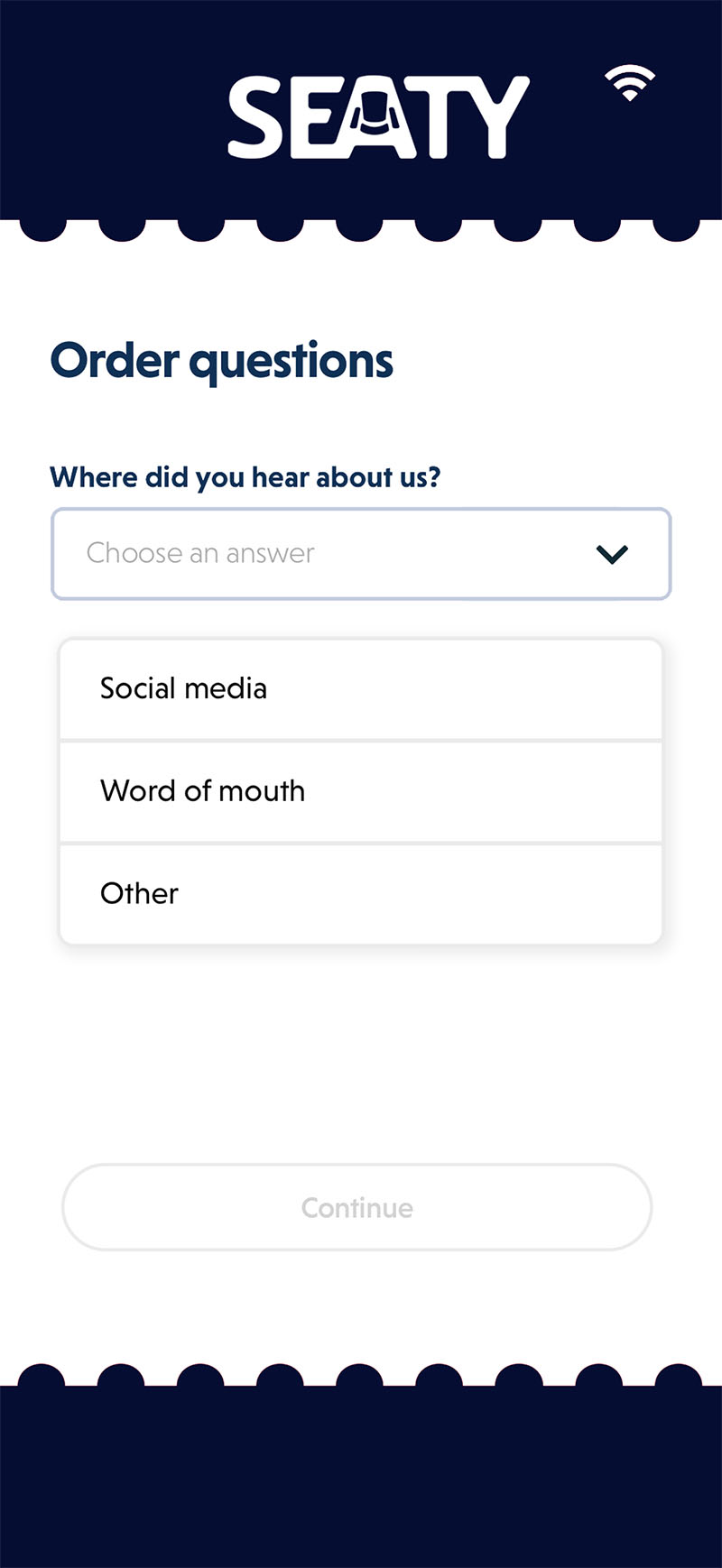
Custom questions for the child's name, year group, and dietary needs.
The school office knows whose family is in row F before doors open. Add a custom question at checkout for the child's name and year group, and every ticket is matched to a pupil without phoning round on a Wednesday afternoon. The same approach works for dietary requirements at the cast supper, photo and video permissions for the school newsletter, and accessibility needs for grandparents.
- Child's name and year group so the office knows whose family this is
- Photo and video permissions captured GDPR-style at the point of booking
- Dietary requirements for the cast supper or end-of-show party
- Accessibility needs for parents and grandparents attending
- Free text, multiple choice, and yes-or-no answers
- Filterable and exportable to a spreadsheet for catering or pastoral checks
PTA fundraiser ticketing with programmes, raffle tickets, and refreshments alongside school tickets.
PTA fundraising actually goes to the PTA, not to a ticketing platform. Programmes at two pounds, raffle tickets at one pound a strip, ice cream vouchers for the interval, bake sale tokens, and branded school merchandise all sit alongside the ticket as items in the same order. Buyers get scannable vouchers to swap on the night for the real thing, and the PTA gets a clean total of what was sold against what was redeemed without anyone counting cash in a draughty kitchen at 10pm.
- Programmes at two pounds, raffle strips at one pound, refreshment vouchers
- Scan vouchers at the interval to redeem ice creams and drinks
- Stock counts update in real time as items sell
- Pre-orders avoid the queue at the interval
- Separate reporting so the PTA reconciles its fundraising on its own
Layer programmes and raffle tickets onto the same order: no separate float, no separate platform.
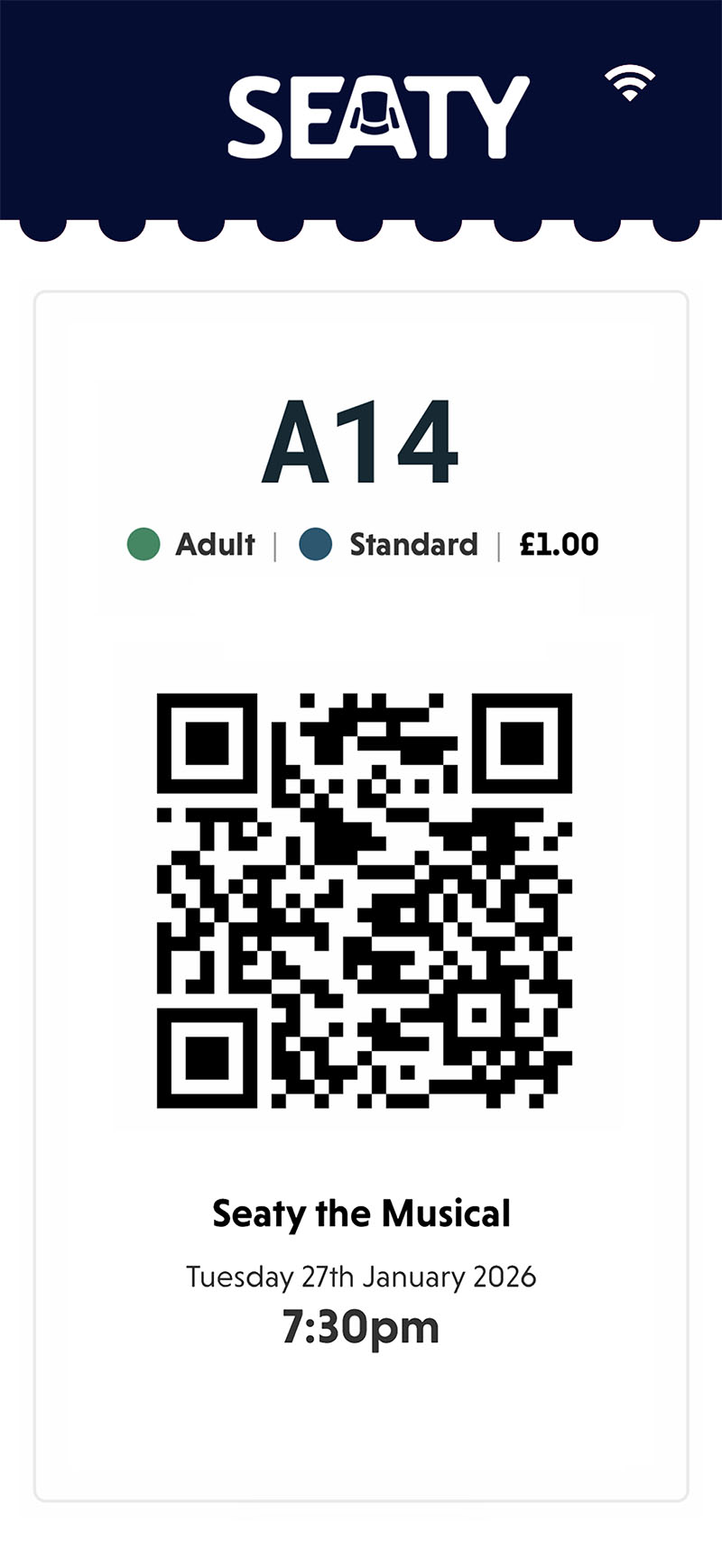
Tickets in Apple Wallet and Google Wallet for the school run.
School concert and nativity scanning that works without wifi.
The teacher on the door doesn't have to apologise to a queue of parents while the wifi sorts itself out

School halls are routinely the worst-connected room in the building: three sets of fire doors, a corrugated roof, and a wifi access point in the staff room two corridors away. Seaty's scanning app downloads the full attendee list onto each device before the event starts, so scans work fully offline. Multiple staff or PTA volunteers can scan in parallel on different phones or tablets, and duplicate redemptions are blocked even while every device is offline. The same approach works for community productions in village halls and parish rooms with the same dead-zone problem.
- Full attendee list cached on the device before the doors open
- Multiple devices scanning at the same time without conflicts
- Duplicate scans blocked even when nothing is connected
- Scans sync up automatically once any device finds wifi
- Works on a teacher's personal phone, no school IT setup required
Staff and governor complimentary ticket allocations.
Quotas instead of awkward staffroom conversations
Staff complimentary tickets, governor allocations, and PTA volunteer comps usually live in someone's head until two weeks before the show, when it becomes clear that the head has promised the same row to three different people, the front row has been reserved for governors, and nobody knows whether the headteacher's spouse is on the list. Seaty tracks each person's allocation, what they have used, and what is still available, so the office stays in control without anyone having to police it manually.
Per-person quotas
Allocate complimentary or reserved tickets per member of staff, governor, or PTA volunteer
Front row reservations
Reserve the front row for staff, governors, and the headteacher's spouse without selling those seats publicly
Members see their own
Each person sees only their own allocation and what they have already claimed
Office oversight
The school office keeps a single view of every allocation across the production
What data parents share at checkout, and what they do not.
Privacy-conscious schools, and the data minimisation question

Independent and state schools alike are wary of children's data ending up on a third-party platform. The reality on Seaty is that the only required field at checkout is the buyer's email address, used to deliver the tickets. Card details are processed by Stripe and never reach Seaty's servers. Children do not need accounts. Parents do not need accounts. The school chooses any custom questions on top of that. If you do not ask for the child's name, the child's name is not collected.
- Only the buyer email is required by default. Nothing about the child unless you ask
- Custom questions are entirely the school's choice and disclosed to the parent at checkout
- Card details handled by Stripe, never stored by Seaty
- No advertising trackers or third-party data sharing
- GDPR-compliant data handling with audit-ready exports for the school office
Privacy guidance for the school office.
Why schools need more than a generic ticketing platform.
Stripe Checkout on its own. Stripe Checkout takes the card payment. It doesn't know which family is in row F, what year group Becky is in, or whether the Friday house has 6 cast comp seats held back. It can't allocate by year group, it can't ask for the child's name at checkout, it can't scan a ticket at the door, and it has no idea what a programme or a raffle strip is. The office ends up rebuilding everything in a spreadsheet, and the front-of-house team end up checking names against a printed list with a highlighter. See our guide on how UK ticketing fees actually work for context on what this saves you.
Generic consumer ticketing platforms. They were built for gigs and conferences with paying customers. They charge per-ticket fees on free comp tickets: the head, the deputy, the SENDCo, the governors, the visiting choir from the linked primary, all of them costing the PTA a per-seat fee before anyone has paid for a programme. They push parents through account creation flows that ask for marketing preferences nobody wanted. They don't support programmes, raffle tickets, or ice cream vouchers alongside the order, so the PTA bake sale still happens with a cash tin and a float of fivers. And the seating plan editor has never met a school theatre with a sloping balcony. See our guide on setting up a seating plan for what a sane editor looks like.
ParentPay and WisePay. ParentPay and WisePay handle the lunch payments. They don't sell tickets to grandparents. They were designed for in-community payments (dinner money, trip money, uniform, the swimming top-up) by parents who already have a login. They cannot take a booking from an aunt in Scarborough, an alum from the class of 2009, or the head's mother-in-law, because none of those people have a ParentPay account and never will. They don't do programmes, raffle strips, refreshment vouchers, or door scanning either. They are excellent at exactly the job they were built for, and that job is not selling tickets to a school production.
Seaty sits in the in-between space, not a payments rail like Stripe, not a community payment app like ParentPay, not a generic festival platform that wants every parent in a marketing funnel. It is built for the head of drama, the school office, and the PTA chair, in that order.
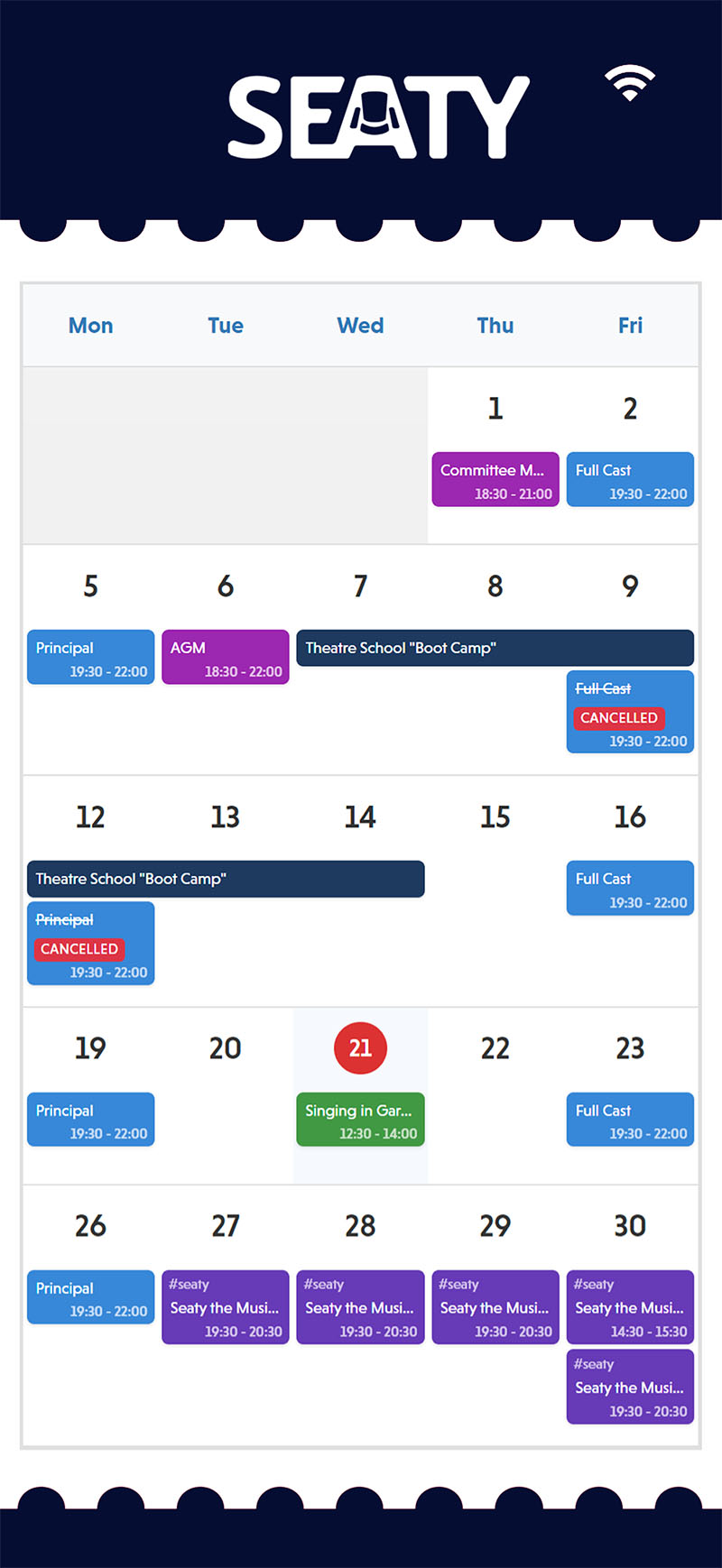
Rehearsal schedules and attendance for the cast.
School productions have a long calendar of after-school rehearsals, costume fittings, and tech runs before opening night. Seaty handles the schedule, sends it to the cast and their parents, and tracks attendance with QR check-in. The drama or music teacher sees the full picture of who has turned up and who has missed which session, without keeping a paper register or chasing parents through the office.
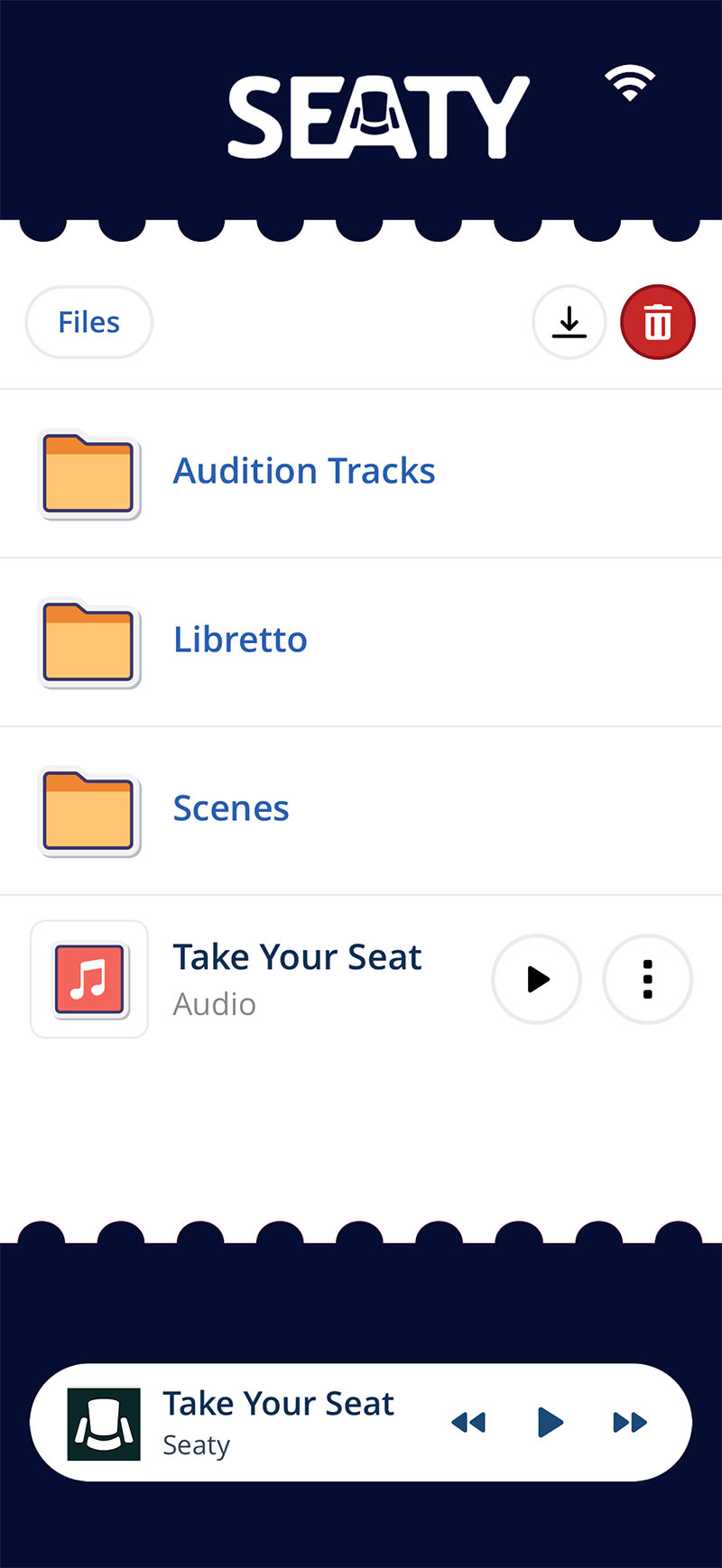
Scripts and music shared with the cast.
Link a Dropbox folder to share scripts, vocal lines, choreography videos, and rehearsal recordings with the cast. Files are available offline on each child's phone, so practising at home does not depend on a school login or the school network. The teacher controls who sees what, and updates push out to everyone the next time the app opens.
School events that overlap with dance schools and village halls.
If you are a school putting on a dance show with an external choreographer, the Seaty for dance schools overview covers the recital pattern in more detail. If your school production is being staged in a village hall, parish hall, or community centre rather than the school site, the Seaty for village halls page covers the same ground from the venue side. For schools with a proper theatre rather than a hall, our guide on setting up a seating plan walks through the layouts that work best for raked stalls and small balconies.